Settings
Categories:
The initial version exclusively supports culling Sony A1 Mk I and Mk II RAW files. While it may be compatible with other Sony ARW files, this has not been tested.
Settings view
RawCull provides settings to customize your culling experience and optimize performance:
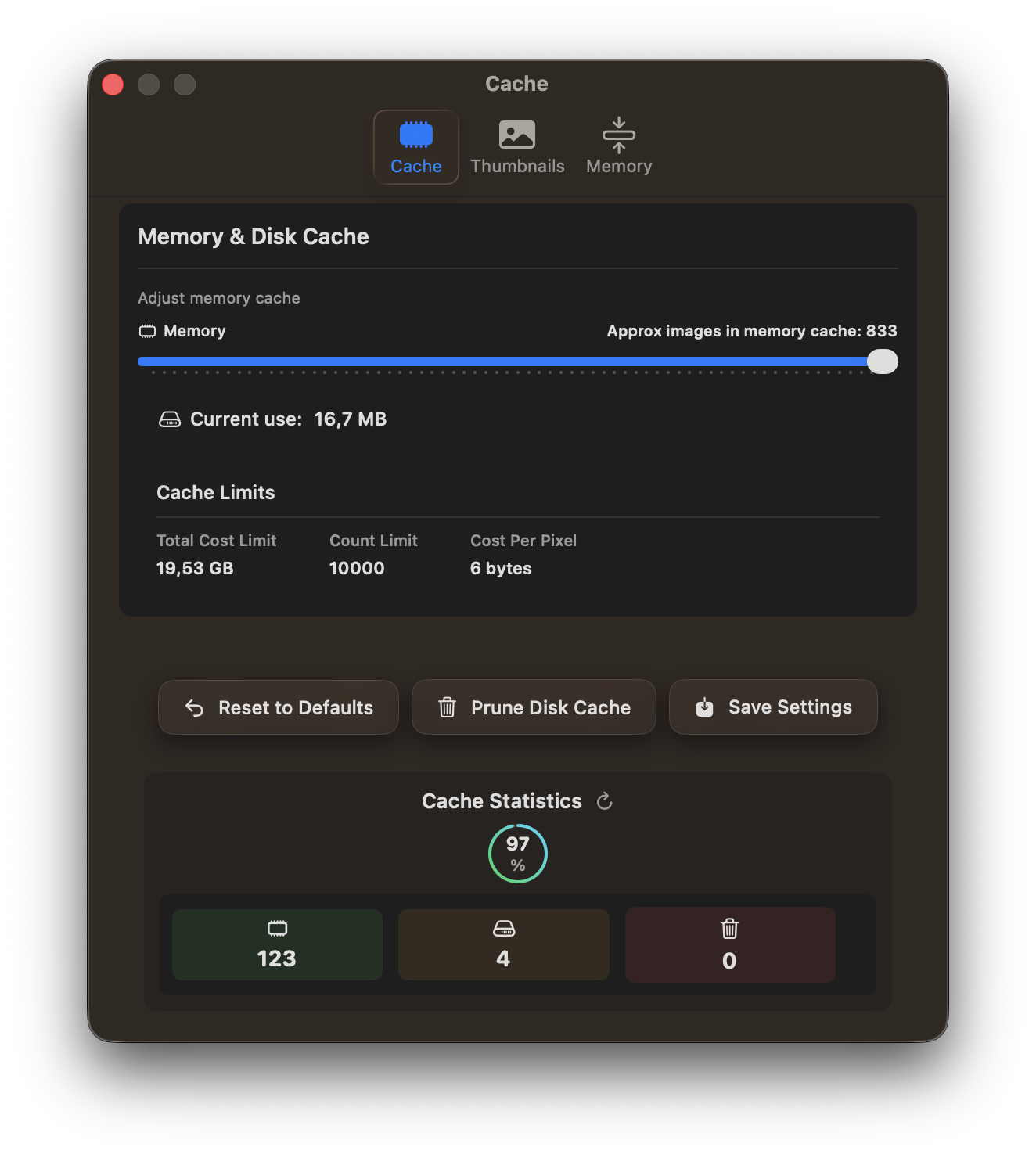
- Cache Management: Control thumbnail cache location and size to balance performance with disk space usage
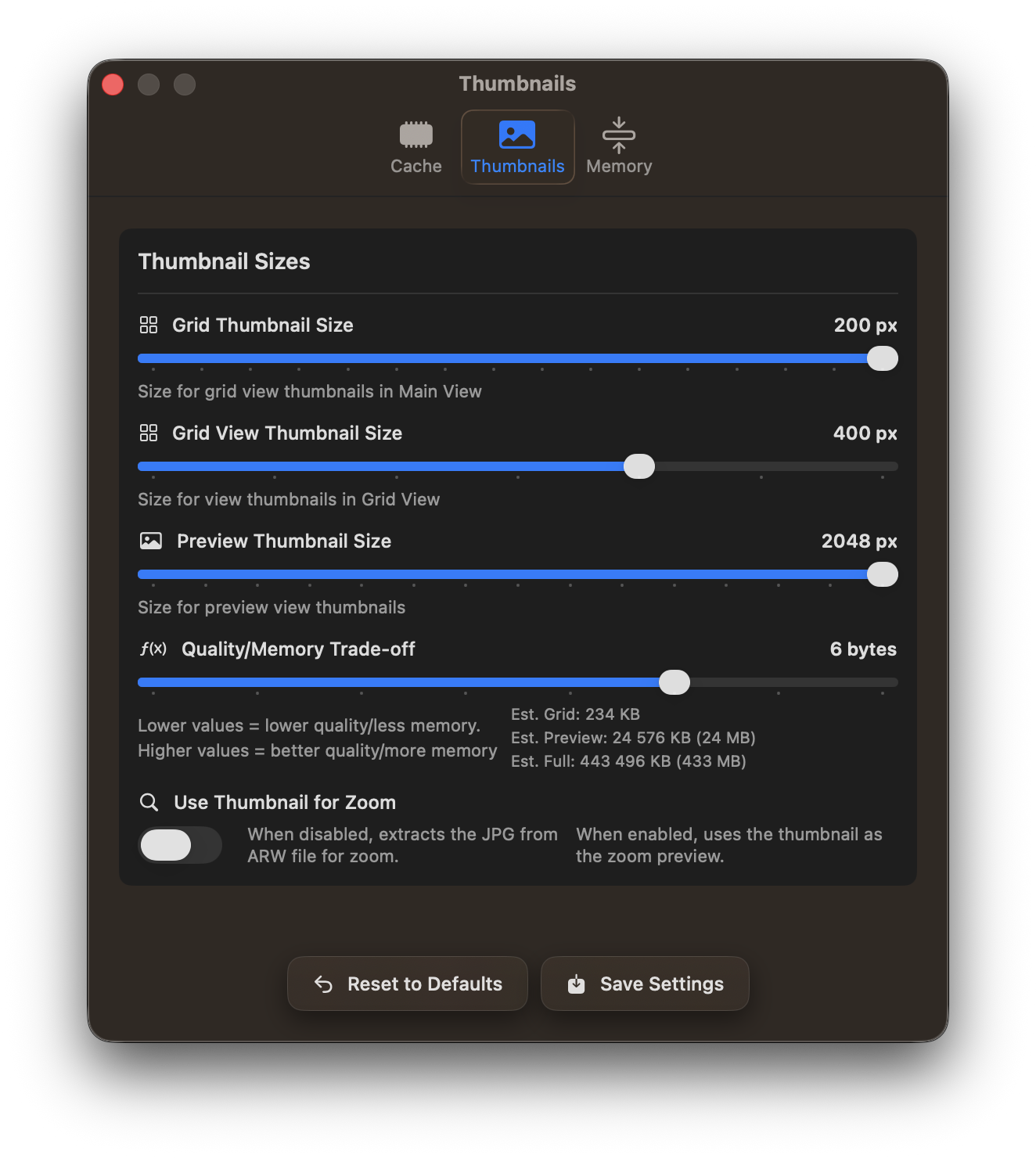
- Thumbnail Quality: Adjust thumbnail generation settings to optimize preview quality and loading speed
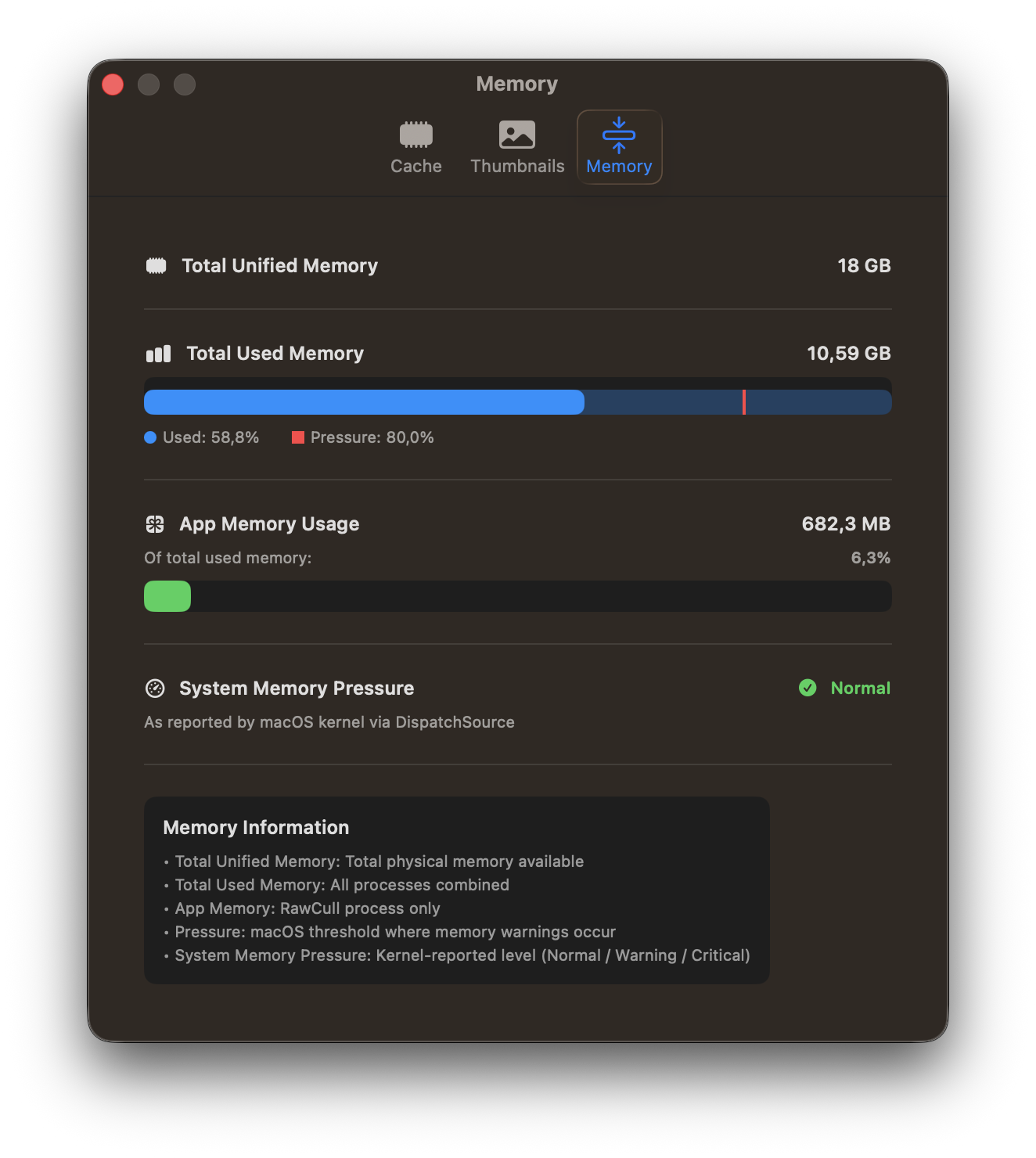
- Memory Settings: Configure memory allocation for handling large photo catalogs efficiently
Access these settings from the application menu to fine-tune RawCull for your specific needs and system configuration. The cache statistics present the memory hit-rate when viewing photos.
The memory tab displays the memory utilized, the total memory capacity, and a memory-pressure warning.
Feedback
Was this page helpful?
Glad to hear it! Please tell us how we can improve.
Sorry to hear that. Please tell us how we can improve.